A workday can feel full even when the real productive hours are unclear. Meetings, messages, breaks, calls, admin work, and task switching can make eight office hours look busy but hard to measure.
A work log helps you separate time spent from work actually completed. This is useful for freelancers, remote workers, employees preparing weekly updates, and anyone trying to understand where the day goes.
What Counts As Productive Hours?
Productive hours are the time blocks where you moved important work forward. They do not have to be perfect deep work. A client call, coding session, sales follow-up, report draft, or manager-ready meeting note can count if it had a clear work purpose.
Low-value scrolling, unclear waiting time, repeated checking, and avoidable rework should be separated so the log stays honest.
Create A Simple Work Log
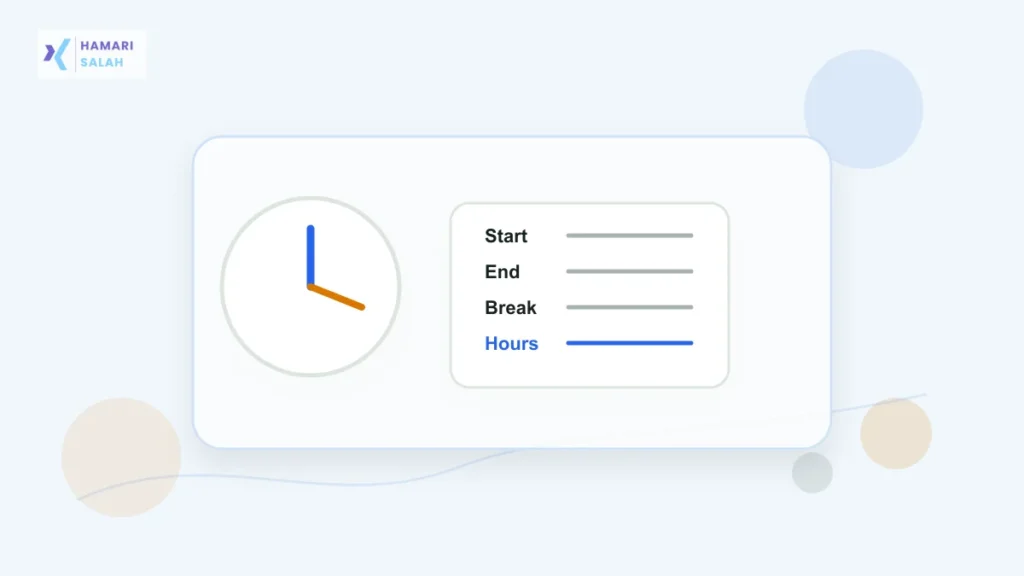
Use four columns:
- Start time: when the work block began.
- End time: when the block ended.
- Activity: what you were doing.
- Type: focused work, meeting, admin, break, waiting, or rework.
Do not overcomplicate the first version. A rough log is better than a perfect system you stop using after two days.
Calculate The Time Blocks
For each row, subtract start time from end time. Then group the rows by type. For example:
- 9:30 to 10:45: report writing = 1 hour 15 minutes focused work.
- 11:00 to 11:30: team call = 30 minutes meeting.
- 12:10 to 12:40: email cleanup = 30 minutes admin.
At the end of the day, add only the rows that genuinely supported useful work. Keep breaks and waiting time separate.
Do Not Turn This Into Self-Punishment
A productive-hour log is a planning tool, not a guilt tool. Some roles require meetings, calls, review time, and interruptions. The point is to see the pattern, not to pretend every hour should be silent focus.
Useful Weekly Review Questions
- Which tasks took longer than expected?
- Which meetings created clear next actions?
- Which interruptions repeated too often?
- Which time block produced the best work?
- What should be planned earlier next week?
If work arrives from multiple channels before you can log time clearly, first create a simple daily task tracker for email, WhatsApp, Teams, and calls, then convert only useful work blocks into your time log.
Privacy And Workplace Caution
If your log includes client names, salary details, employee data, or confidential project information, keep it private. For manager updates, summarize outcomes instead of sharing sensitive raw notes.
Quick FAQ
Should meetings count as productive hours?
Yes, if they create decisions, coordination, approvals, or useful clarity. A meeting with no outcome should be reviewed separately.
How detailed should the log be?
Start with 30-minute blocks. If you need more accuracy later, move to 15-minute blocks.
Can this be used for payroll?
Use official company payroll rules for payroll. This article is for personal productivity and work planning, not legal payroll advice.
Final Takeaway
Calculate productive hours by logging time blocks, grouping them honestly, and reviewing patterns weekly. The aim is not to look busy. The aim is to make better decisions about where your working time goes.