Every new form asks for the same files: marksheets, certificate scans, passport photo, signature, ID proof, and sometimes resized versions. If these files are scattered across WhatsApp, downloads, screenshots, and old folders, form filling becomes stressful.
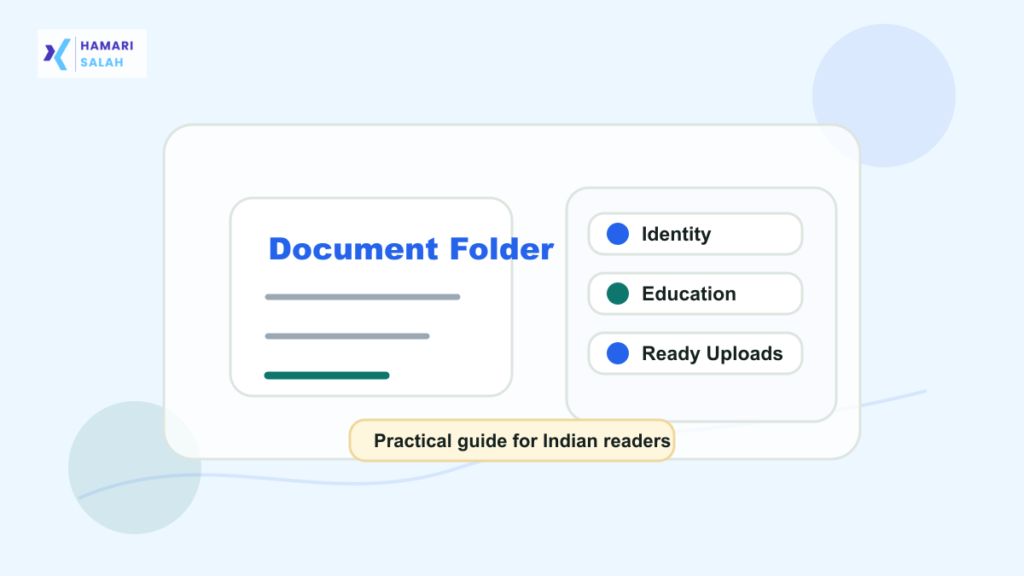
Use a three-folder structure
Applications Documents
- Identity and Address
- Education Records
- Ready Upload Files
Keep originals separate from edited upload copies. If a portal needs a 50KB photo, store it in Ready Upload Files, not over the original high-quality photo.
Use clean file names
Good filenames help during deadline pressure. Avoid names like “new final final.jpg” or “WhatsApp Image 2026”.
Good examples:
class-10-marksheet.pdf
semester-6-marksheet.pdf
passport-photo-jpg-50kb.jpg
signature-jpg-20kb.jpg
Keep ready-upload files separate
Ready-upload files are edited for a specific rule. A photo compressed for one portal may be too small or wrong for another. Keep notes in the filename only if they are generic and safe.
Security settings matter
- Turn on two-step verification for the account.
- Use a strong password that is not reused elsewhere.
- Do not share entire folders publicly.
- Remove access after someone no longer needs a file.
- Avoid storing passwords, OTPs, or recovery codes in the same folder.
Mobile offline access
If you often fill forms from your phone, keep non-sensitive ready-upload files available offline. For sensitive documents, balance convenience with account security and device lock safety.
Monthly cleanup
Delete duplicate compressed files, old screenshots, rejected versions, and unclear scans. Keep one clean original and only useful upload variants.
For related digital tasks, read how to clean phone storage without deleting important memories, which file format to upload for forms, and how to resize photo and signature files for online applications.
FAQ
Should I store Aadhaar or PAN in Drive?
Only if you understand the privacy risk and have strong account security. Keep sharing restricted and avoid public links.
Should I keep every edited version?
No. Keep useful versions and delete confusing duplicates.