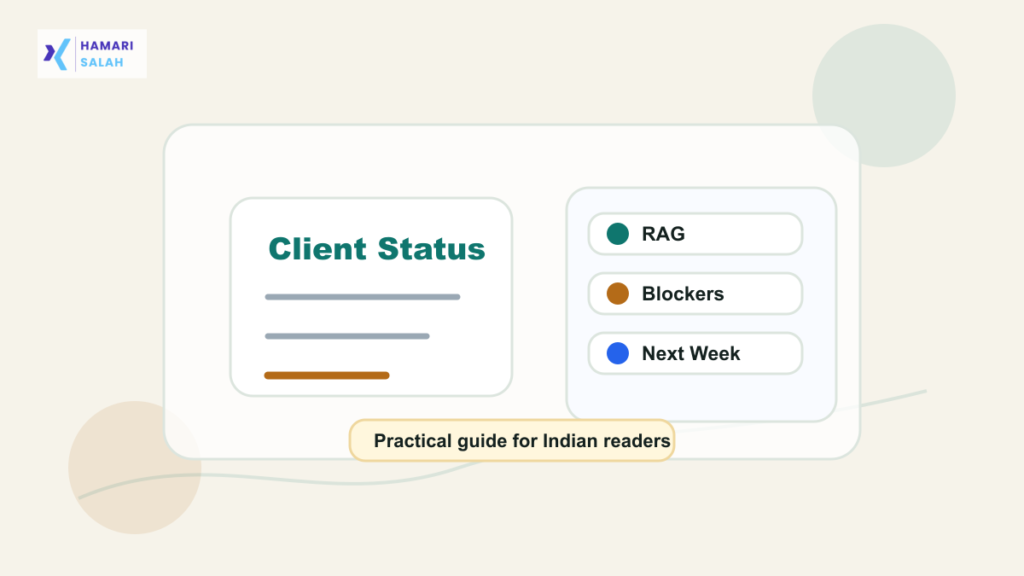
Clients rarely read long weekly emails line by line. A one-page status summary works because it gives the client what they need quickly: current health, progress, risks, decisions needed, and next steps.
What a one-page status summary includes
| Section | Purpose |
|---|---|
| Project health | Green, amber, or red with one reason. |
| Completed this week | Three useful progress bullets. |
| Risks and blockers | Issues that affect delivery. |
| Decisions needed | Client approvals or inputs required. |
| Next week | Milestones and expected work. |
Use RAG status carefully
RAG means red, amber, green. Green should mean on track, amber should mean attention needed, and red should mean a material risk to timeline, scope, cost, or delivery. Do not mark everything green just to avoid discomfort.
Copyable weekly status template
Weekly Status Summary - [Project] - [Week]

Overall status: Amber
Reason: Waiting for client approval on [decision].

Completed this week:
- [Result 1]
- [Result 2]
- [Result 3]

Risks or blockers:
- [Risk] - impact - owner - expected date

Decisions needed:
- [Decision] needed from [person/team] by [date]

Next week:
- [Milestone 1]
- [Milestone 2]
Keep it client-safe
Make blockers actionable
A blocker should name the owner and next action. “Waiting for input” is weaker than “Waiting for final approval from client finance team by Thursday to close procurement scope.”
Use the same format every week
Consistency helps clients scan faster. If the structure changes every week, the reader wastes time relearning the report.
For related work reporting, read how to prepare a weekly timesheet summary, how to calculate productive hours from a work log, and how to follow up politely for pending approvals.
FAQ
Should I attach a long Excel sheet?
Only when needed. Put the summary in the email or document and link the detailed tracker separately.
Can a one-page report replace meetings?
Sometimes it reduces meeting time, but high-risk projects may still need discussion.