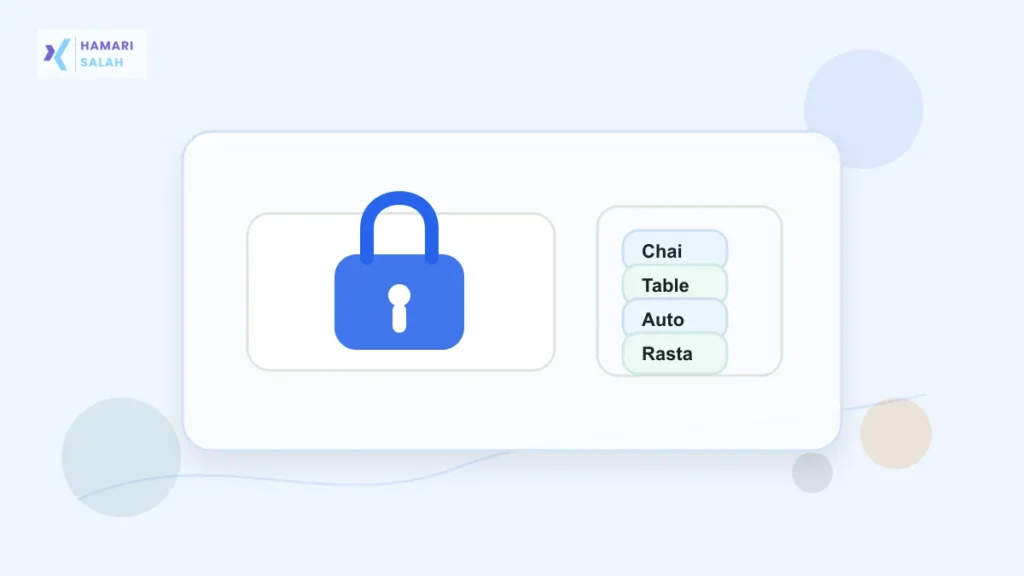
A strong password should be difficult for another person or automated script to guess, but still realistic for you to use. Many Indian users now manage email, college portals, job portals, shopping apps, utility accounts, UPI-related apps, and government-service logins. Reusing one weak password across all of them creates unnecessary risk.
Start with length, not clever spelling
Short passwords with common substitutions are easy to guess. A password like Delhi@123 looks decorated, but it still follows a common pattern: place name, symbol, numbers. A longer phrase with unrelated words is usually stronger and easier to remember.
Use the passphrase mnemonic method
Pick four random, unrelated words that do not describe your life, family, city, birthday, phone number, college, company, or favorite team. Then combine them into one phrase and add a separator or number if the website requires it.
Example pattern:
ChaiTableAutoRasta
Chai-Table-Auto-Rasta-47
The words should feel memorable to you, but not personally obvious. Do not use your school name, pet name, vehicle number, building name, or birth year.
Avoid passwords based on personal clues
- Do not use your name, nickname, spouse name, child name, or birthday.
- Do not use phone numbers, vehicle numbers, PIN codes, or house numbers.
- Do not reuse passwords from old accounts.
- Do not save passwords in a plain WhatsApp message or visible phone note.
- Do not share passwords with friends, colleagues, tuition groups, or service agents.
Use different passwords for important accounts
Your main email account deserves special protection because it can reset many other accounts. Banking-adjacent, work, tax, college, and government-service logins should also avoid reused passwords. If one small shopping account leaks, it should not unlock your email or work account.
Store passwords safely
A password is useful only if you can retrieve it safely. A trusted password manager is better than keeping passwords in an unprotected spreadsheet, notebook photo, or chat message. If you write emergency recovery notes, keep them offline and away from casual access.
Turn on two-step verification
For email, work, banking-adjacent, tax, and college accounts, two-step verification adds another layer. Prefer authenticator apps or secure device prompts where available. SMS OTP is common, but your phone number and SIM should also be protected.
When to change a password
- You reused it on another website that may be unsafe.
- You shared it with someone temporarily.
- You logged in on a public or shared computer.
- You received a genuine security alert from the service.
- Your email or phone account was compromised.
For file and portal work, read how to choose PDF, JPG, and PNG formats for job and college forms and how to crop signatures and passport photos for online forms.
FAQ
Is a passphrase better than a short password?
Often, yes. A long phrase made from unrelated words is usually easier to remember and harder to guess than a short decorated word.
Can I reuse one password everywhere?
No. Reuse means one leak can expose many accounts. Keep your main email and important accounts unique.