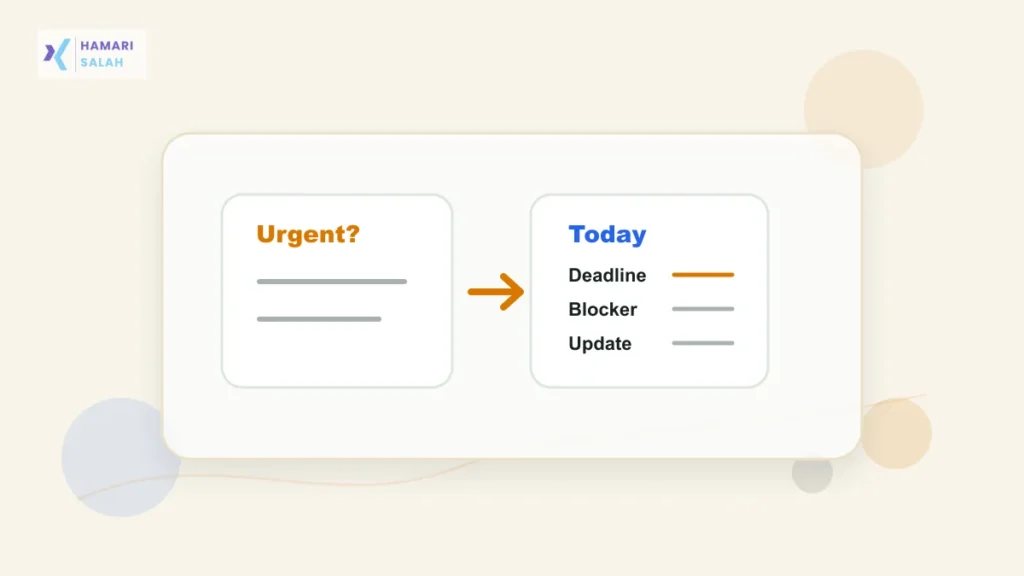
When every task feels urgent, the real problem is usually a lack of separation between deadlines, dependencies, manager pressure, client expectations, and work that only feels loud because it arrived recently.
Start with a 10-minute urgency reset
Write down everything pulling your attention: manager requests, client follow-ups, WhatsApp messages, email replies, Teams or Slack pings, meetings, approvals, HR forms, timesheets, and pending admin work. The goal is not a perfect system; it is to stop juggling tasks in your head.
Use triage filtering
Sort each task with five filters. Deadline tells you what must move today. Consequence tells you what creates real damage if missed. Dependency tells you whether someone else is blocked. Effort tells you whether it needs deep work or quick action. Visibility tells you who expects an update.
| Filter | Question | Example |
|---|---|---|
| Deadline | Is it due today or tomorrow? | Report before a 4 pm review |
| Consequence | What breaks if it moves? | Client launch, payroll, vendor payment |
| Dependency | Who is waiting on this? | Manager needs your data for a deck |
| Effort | Does it need focus? | Analysis, writing, coding, reconciliation |
| Visibility | Who expects an update? | Supervisor, client, HR, finance |
Handle Indian workplace message pressure
Many teams run work through WhatsApp plus email plus Teams or Slack. A new message is visible, but visible does not always mean first priority. If a supervisor suddenly shifts the day, ask what should move down.
I can finish the client report by 3 pm, but the tracker cleanup will move to tomorrow morning. Should I keep the report first?
Choose one anchor task
Pick one task that makes the day meaningful if completed. This is usually deadline-heavy, consequence-heavy, or dependency-heavy. Protect your best energy window for this task before opening a long reply session.
Batch small work
Create two short windows for quick replies, approvals, status updates, and admin tasks. For example, use 12:30 to 1:00 for replies and 5:15 to 5:45 for closeout. This keeps small work from breaking the whole day into fragments.
Close the day in five minutes
Before shutting down, note what was completed, what moved, who needs an update, and what starts tomorrow. A short closeout prevents the next morning from becoming the same urgent pile.
For related workflows, read how to build a daily task tracker from email, WhatsApp, and Teams, how to calculate productive hours from a work log, and how to write an end-of-day status update your manager can scan.
FAQ
What if my manager says everything is urgent?
Ask which task should be first if only one can be finished before the next review. This turns hidden capacity limits into a clear priority decision.
Is this mental health advice?
No. This is operational productivity guidance. If workload affects sleep, safety, or health, treat that as a serious signal and seek appropriate support.