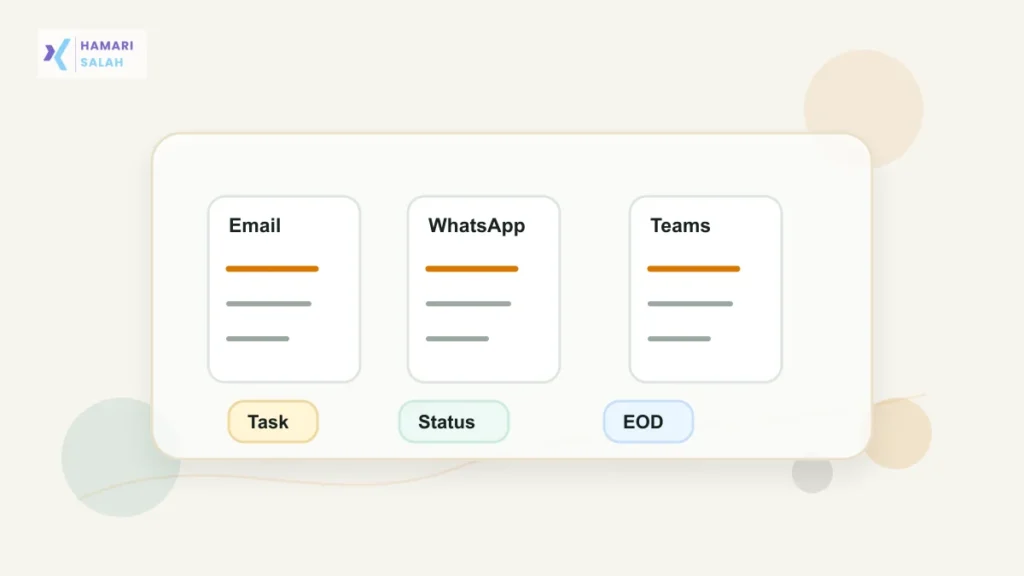
Modern work does not always arrive neatly in one tool. A manager may send one task on email, another on WhatsApp, and a quick change on Teams. By afternoon, the problem is not effort. The problem is remembering what is real, what is urgent, and what can wait.
A daily task tracker gives you one place to collect scattered work before it becomes confusion.
Key Takeaways
- Capture every work request in one private list.
- Convert messages into clear action items.
- Use simple status buckets instead of a complicated system.
- Review the tracker at midday and end of day.
- Never paste confidential workplace data into public tools.
Start With A Single Capture List
Choose one place where every task will land. It can be a notebook, spreadsheet, notes app, or task tool. The tool matters less than the habit.
When a request arrives, write the task in your list instead of trusting the original chat thread. Your list should include:
- Task name.
- Source person or team.
- Due date or expected time.
- Current status.
- Next action.
Convert Messages Into Real Tasks
Messages are often unclear. A good tracker turns them into action.
Weak Capture
Manager said check report.
Better Capture
Review June sales report, confirm missing Region West numbers, send update by 5 pm.
The second version is easier to finish because it tells you what done means.
Use Four Status Buckets
A simple tracker can use four buckets:
- Today: must be handled today.
- Waiting: blocked by someone else.
- Later: valid task, not today.
- Done: completed or sent.
This is easier than making ten priority levels that you will stop using after two days.
Add A Midday Reset
At lunch or mid-shift, spend five minutes checking what changed. Move completed items to done, add new requests, and confirm whether any urgent item is still unclear.
If everything feels urgent, compare deadlines, business impact, and dependency. A task that blocks another team may need attention before a task that only looks loud in chat.
End With A Clean Handover To Tomorrow
At the end of the day, write what is done, what is waiting, and what should start tomorrow. This helps you avoid restarting from memory the next morning.
If you track time along with tasks, you can also read how to calculate productive hours from a work log.
Warnings And Privacy Notes
- Do not copy confidential chats into a public task tool.
- Use neutral labels for sensitive work, such as Client A or Invoice Review.
- Follow your employer’s approved tools for client or customer data.
- Do not use a personal tracker to bypass official reporting systems.
FAQ
Should I track every small message?
Track anything that creates work, risk, or a follow-up. You do not need to track casual conversation.
How often should I update the tracker?
Update when a new task arrives, then review once at midday and once before finishing work.
Should I use WhatsApp starred messages as my task list?
It can help temporarily, but starred messages stay inside the chat. A separate tracker gives you one clean view across email, WhatsApp, Teams, and calls.