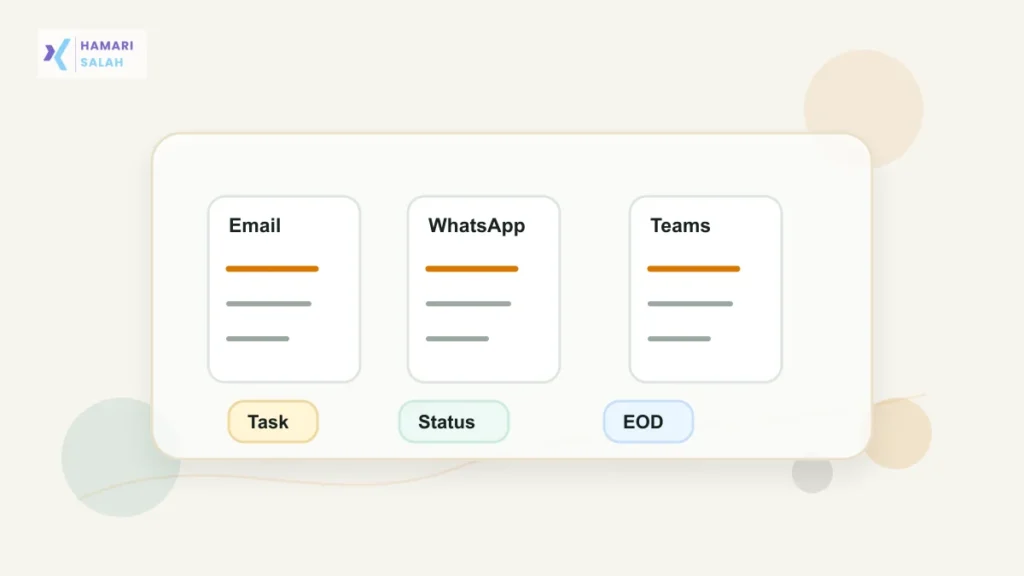
An end-of-day update should help your manager understand progress without reading a long story. The best update is short, specific, and easy to scan. It should say what moved, what is blocked, what needs attention, and what you will do next.
Quick answer
Use four lines: completed, in progress, blocked, and tomorrow’s focus. Keep it factual and remove confidential details before sending.
The simple structure
Most managers do not need every small activity. They need the current state of work. Use this structure when you are unsure what to write:
- Completed: finished work that matters.
- In progress: work started but not finished.
- Blocked: issue, dependency, or decision needed.
- Tomorrow: the next priority.
Template for IT or services work
Hi [Name], here is my end-of-day update:

Completed:
- Finished [task/module/ticket] and shared it for review.
- Checked [basic validation or dependency] and noted one follow-up.

In progress:
- Working on [next task]. Current status: [short status].

Blocked / needs input:
- Need confirmation on [decision/input] before I can close [task].

Tomorrow's focus:
- Complete [priority 1] and start [priority 2].
Template for operations work
Hi [Name], today's status:

Completed:
- Processed [count/type of work] for [team/process].
- Updated the tracker for pending items.

Pending:
- [Item 1] is waiting for [approval/document/input].
- [Item 2] needs follow-up tomorrow.

Risk / attention needed:
- [Short issue] may delay [work/process] if not resolved by [time/date].

Tomorrow:
- Follow up on pending items and close [specific task].
Template for creative or project work
Hi [Name], sharing my EOD update:

Completed:
- Prepared [draft/design/content/project item].
- Incorporated feedback on [specific section].

In review:
- [Item] is ready for your review.

Need clarity:
- Please confirm [tone/scope/priority/approval] before I finalize.

Tomorrow:
- Finalize [item] after feedback and move to [next step].
Template for support or customer-facing work
Hi [Name], end-of-day summary:

Handled:
- Resolved [number/type] support items today.
- Escalated [issue type] to [internal team/owner].

Open:
- [Issue] is pending because [reason].

Needs attention:
- [Customer/team/process issue] may need a decision tomorrow.

Tomorrow:
- Follow up on escalations and clear remaining open items.
What not to include
Many Indian teams use WhatsApp, email, Teams, or Slack for work updates. That does not mean every detail is safe to write there. Keep the update operational, not confidential.
- Do not include client names unless your company allows it.
- Do not include live server IPs, passwords, access tokens, or private links.
- Do not paste proprietary code or NDA-protected metrics.
- Do not write emotional complaints in a status update.
- Do not blame another person; state the dependency or blocker.
Privacy warning
If your update may be forwarded, screenshotted, or added to a group, remove confidential details. A useful status update should help coordination without exposing private company information.
When your update includes a revised note, report, or approval draft, compare the final version using the privacy-safe workflow in workplace document version review before sending it.
FAQ
Should the update be long?
No. In most teams, 5 to 8 lines are enough. Add detail only when a blocker or decision needs context.
Should I send it daily?
Follow your team’s norm. If your manager expects daily visibility, a short consistent update is better than a long message sent late.